Article Tags
¶ Tags
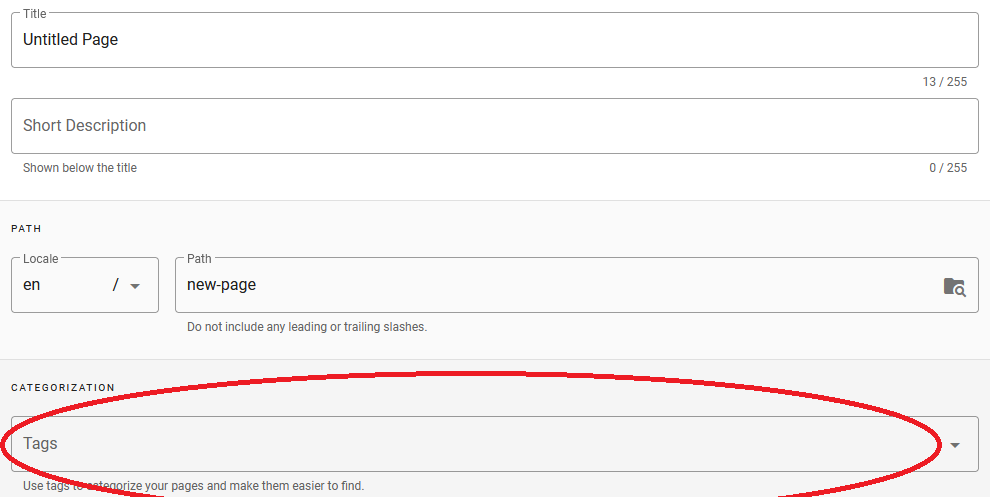
Tags are a great way to categorize your pages and easily find related content. Tags are simple labels attached to a page.
If the articles are tagged based on their content, one can filter the articles by the related one or multiple tags. This is an immensely useful feature. Please make best use of it.
¶ Set Tags
Multiple tags can be added to a page but all of them have to be added one by one, separately.
For example, for a page about the city Montreal, you could add tags cities, canada, north-americabut not added with commas.
These tags can then be used to quickly find the page afterwards. By browsing by tags canada and cities, the page Montreal will come up in the results because both of these tags are present on the page.
More tags can be added or removed from a page at any time during edit.
¶ Browse Tags
Use the Browse by Tags link (located next to the search bar, or in the navigation menu) to see a list of all tags available in the wiki.
Select one or multiple tags to view a list of pages matching the selection.

Related Pages
No related pages found.